For mobile mechanics
Mobile Mechanic Software to Quote, Repair and Get Paid On Site
A mobile mechanic's office is a phone. Repairius lets you take the request, send the estimate, record findings with photos and invoice the customer from the same job, without going back to a desk.
Repairius Pro is $99.99/month with unlimited users. Start with a 14-day trial — a card is required, and no subscription charge happens until the trial ends.
How a mobile repair runs in Repairius
Step 1
Receive the request
Log a call or accept a request from your directory listing with the customer, vehicle and address.
Step 2
Schedule the visit
Put the appointment on your calendar and send the customer a confirmation.
Step 3
Diagnose on site
Record your findings with photos on the job from your phone.
Step 4
Send the estimate
Add parts and labor; AI labor-time suggestions are estimates you review before sending.
Step 5
Get approval and do the work
The customer approves by text, and you note the work completed.
Step 6
Invoice in the driveway
Send the invoice and take a card payment online before you leave.
Illustrative workflow: brake pads at a customer's home
This is an illustrative example, not a real customer case. A customer hears grinding brakes and books a home visit.
- The request comes in with the car and the home address.
- The visit is scheduled and the customer gets a confirmation.
- The mechanic photographs worn pads and scored rotors.
- The estimate for pads and rotors is approved by text.
- The invoice is paid by card before the mechanic leaves.
Buyer checklist
- ✓Works from a phone browser
- ✓Appointments and confirmations
- ✓Photo findings on the job
- ✓Text approval before work
- ✓Card payment on site
What it looks like in the app
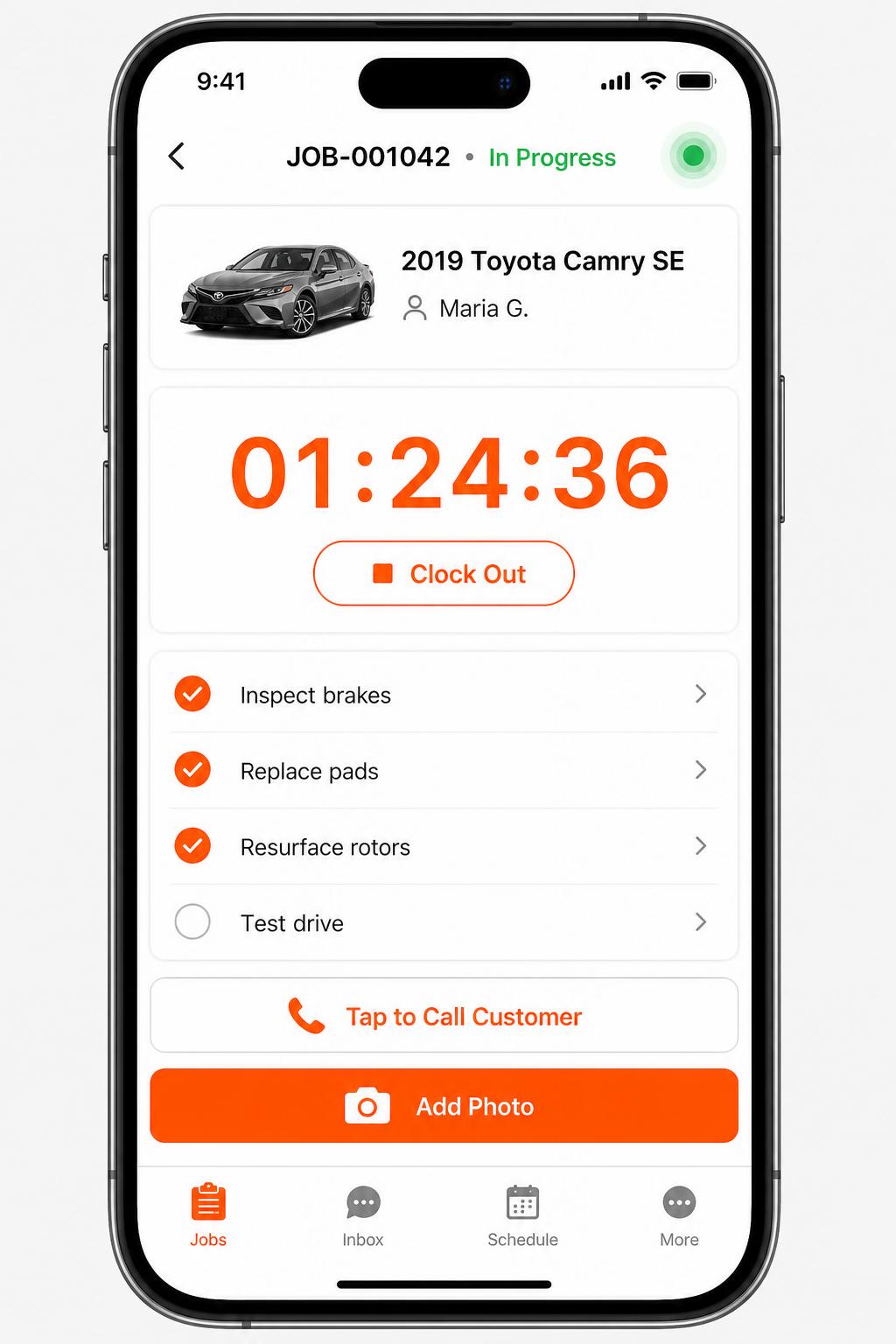
Mobile app for technicians
iOS + Android apps for every tech and driver. Clock in/out, complete checklists, snap photos, message customers — without leaving the bay.
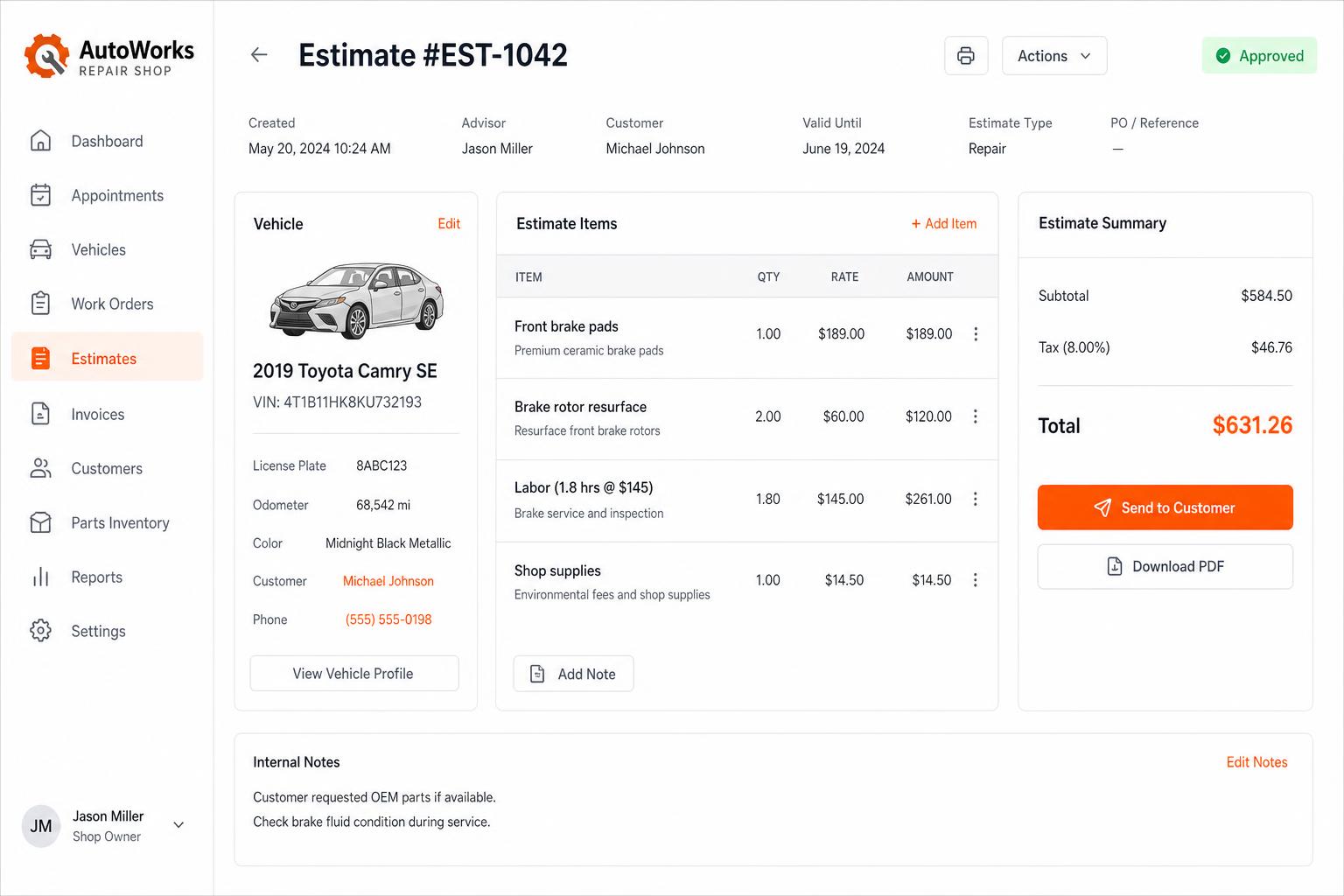
Estimates that close themselves
Build line-itemized estimates with parts, labor, tax, and shop supplies. Send via SMS or email — customers approve in one tap.
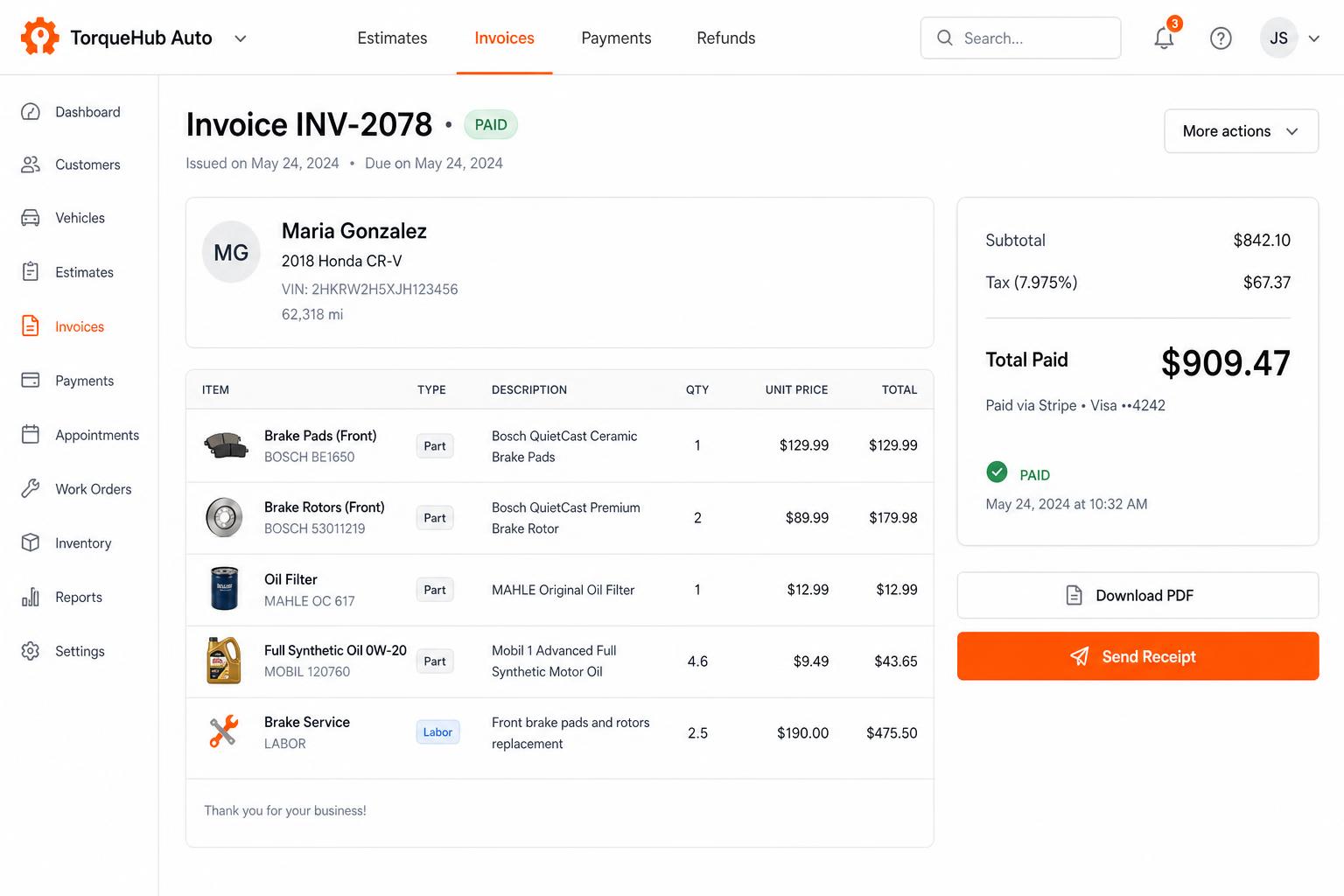
Invoicing + payments, built in
Convert estimates into invoices, collect card payments via Stripe, send PDF receipts. No third-party billing software.
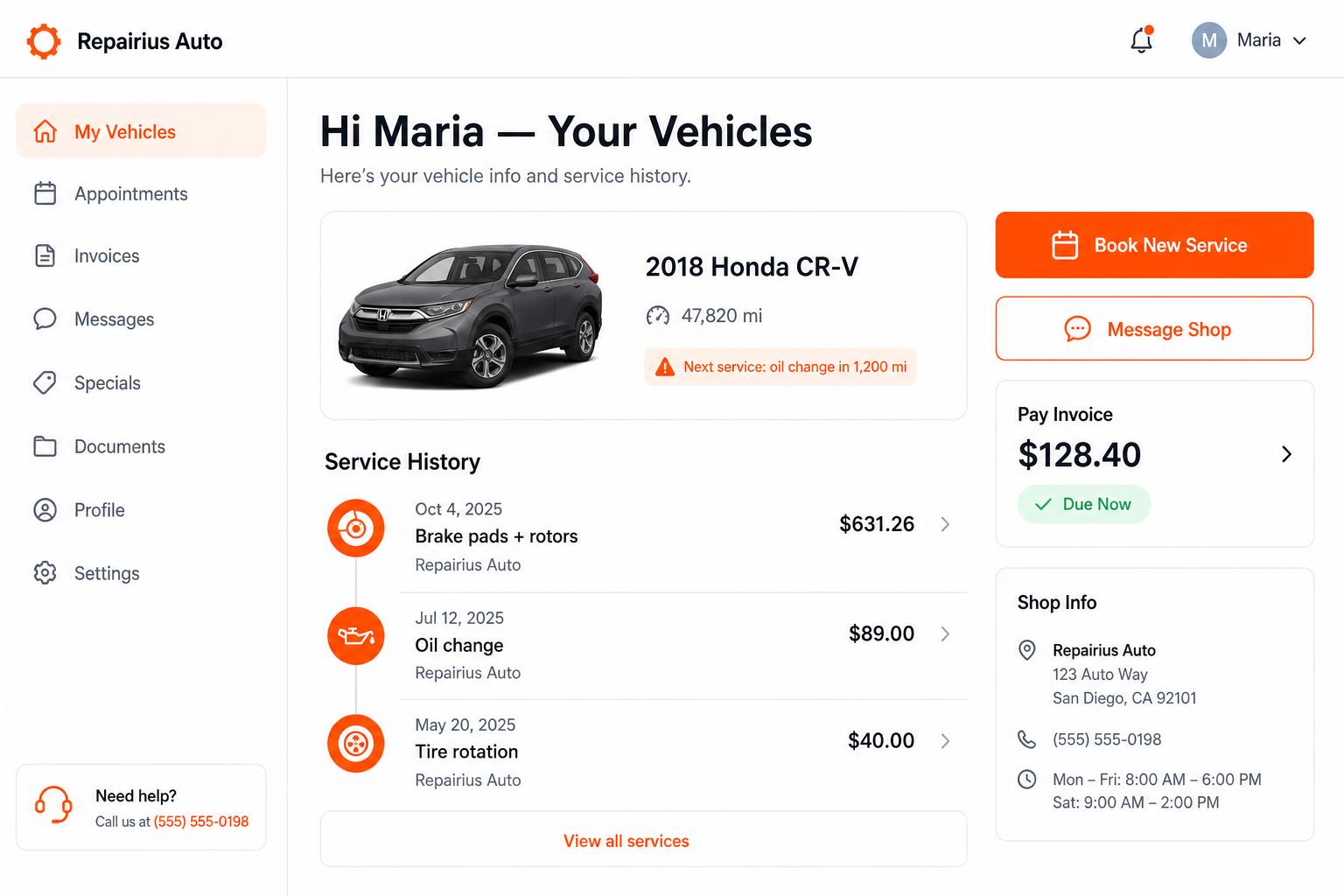
Branded customer portal
Every customer gets their own portal — vehicle history, upcoming service reminders, message the shop, pay invoices. Drives repeat business.
Honest limits
- Repairius does not include GPS route planning or truck tracking.
- AI labor times are estimates; you confirm them before quoting.
- Repairius does not connect to scan tools or read vehicle codes.
- A directory listing does not guarantee jobs.
- Each plan covers one location. Extra-location purchases are not available today.
Questions buyers ask
Can I run it entirely from my phone?
Yes. It runs in a phone browser. App availability varies by device.
Does it plan my route?
No. Open each address in your own maps app.
Can I take card payments on site?
Yes, by sending the customer a secure online payment link from the invoice.
Where do labor times come from?
You set them. AI suggestions are available as estimates you review.
Can I add a helper later?
Yes. Every plan includes unlimited users.