For flatbed and wheel-lift towing companies
Light-Duty Towing Software for Car Tow Jobs and Billing
Local car tows move fast, and details get lost between the call, the driver and the bill. Repairius keeps the customer, vehicle, pickup and drop-off, photos and the itemized invoice on one job.
Repairius Pro is $99.99/month with unlimited users. Start with a 14-day trial — a card is required, and no subscription charge happens until the trial ends.
How a car tow runs in Repairius
Step 1
Take the customer's call
Record the caller, phone number and what happened to the vehicle on a new job.
Step 2
Record vehicle and locations
Add year, make, model, pickup address and the destination, such as a repair shop or home.
Step 3
Note the equipment needed
Your operator decides whether a flatbed or wheel-lift fits the vehicle; the choice is recorded on the job.
Step 4
Get authorization
Send an estimate for approval or note who approved the price by phone.
Step 5
Coordinate the tow
Assign the job to a driver, who gets the details by text or in the app.
Step 6
Document pickup, drop-off and bill
The driver adds condition photos at pickup and delivery, then the itemized invoice is sent and paid by card online.
Illustrative workflow: a disabled car towed to a repair shop
This is an illustrative example, not a real customer case. A driver's car won't start in an apartment lot, and they want it towed to their mechanic.
- The office opens a job with the customer, the car, the apartment address and the repair shop as destination.
- They note the car is all-wheel drive, so the operator chooses a flatbed.
- An estimate for the hook-up and mileage goes to the customer, who approves it by text.
- The driver takes condition photos at pickup and again at the shop.
- The invoice lists the hook-up and mileage separately and is paid by card.
Buyer checklist
- ✓Quick customer, vehicle and location intake
- ✓Equipment choice recorded on each job
- ✓Customer approval before the tow
- ✓Pickup and delivery condition photos
- ✓Itemized invoices with online card payment
What it looks like in the app
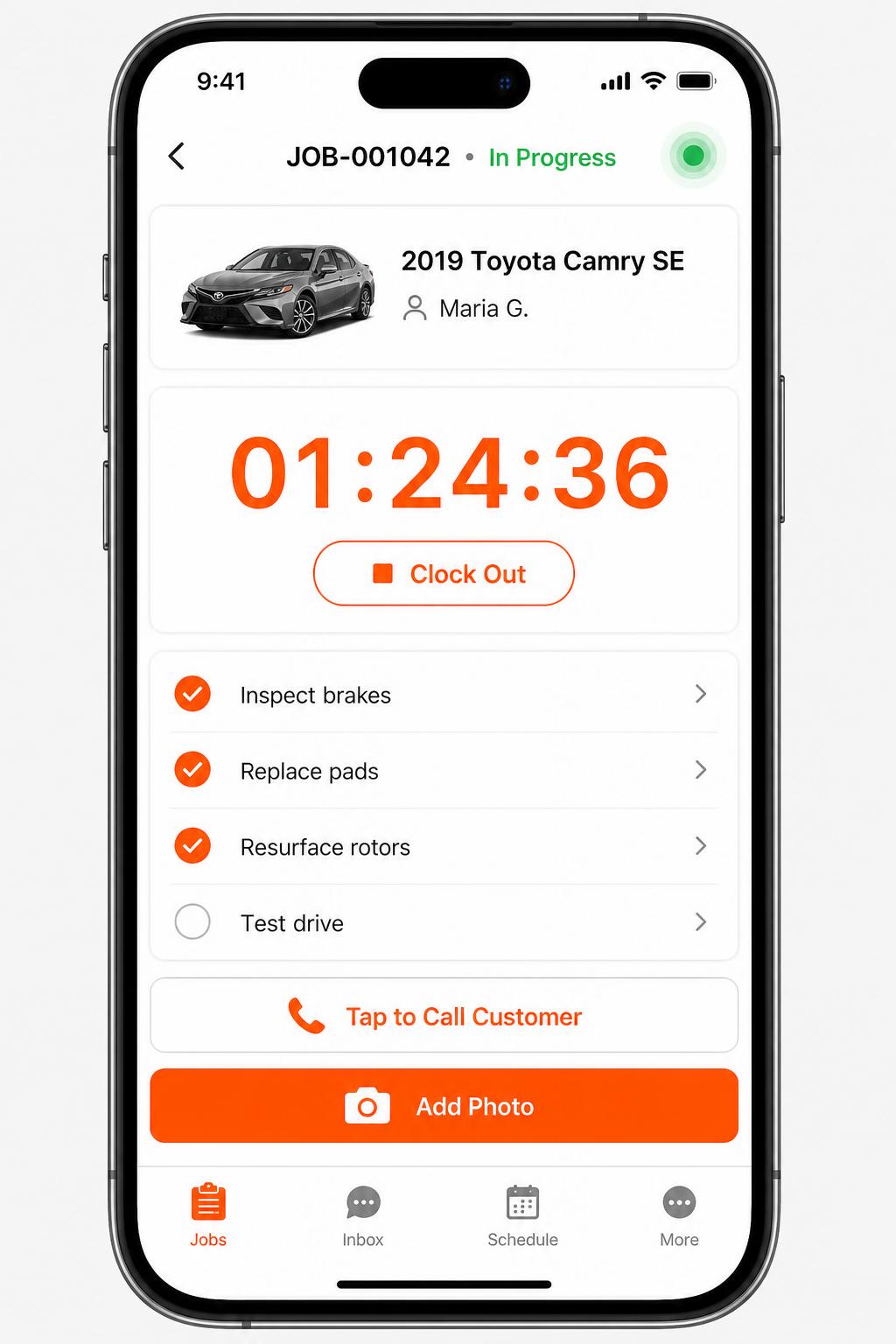
Mobile app for technicians
iOS + Android apps for every tech and driver. Clock in/out, complete checklists, snap photos, message customers — without leaving the bay.
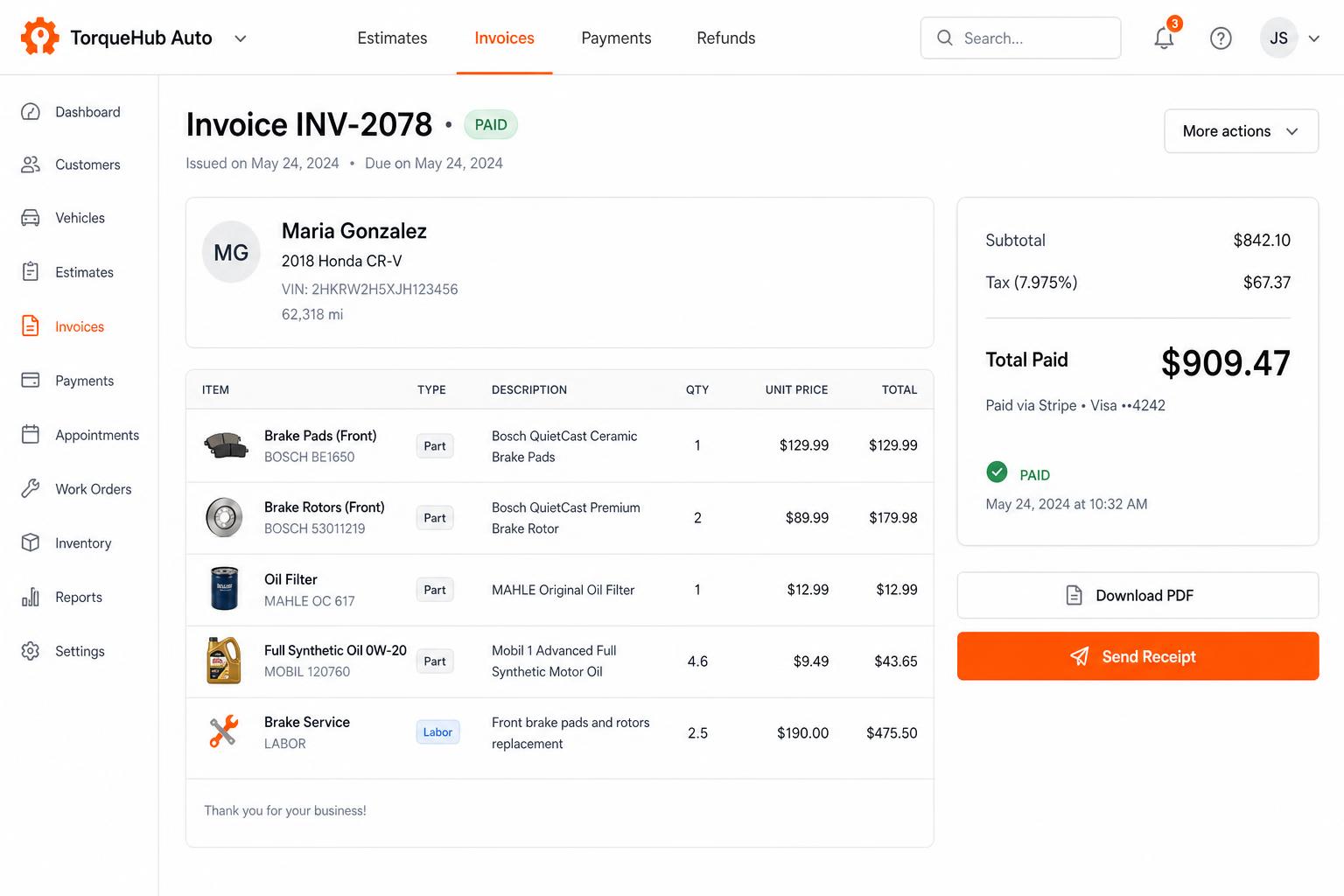
Invoicing + payments, built in
Convert estimates into invoices, collect card payments via Stripe, send PDF receipts. No third-party billing software.
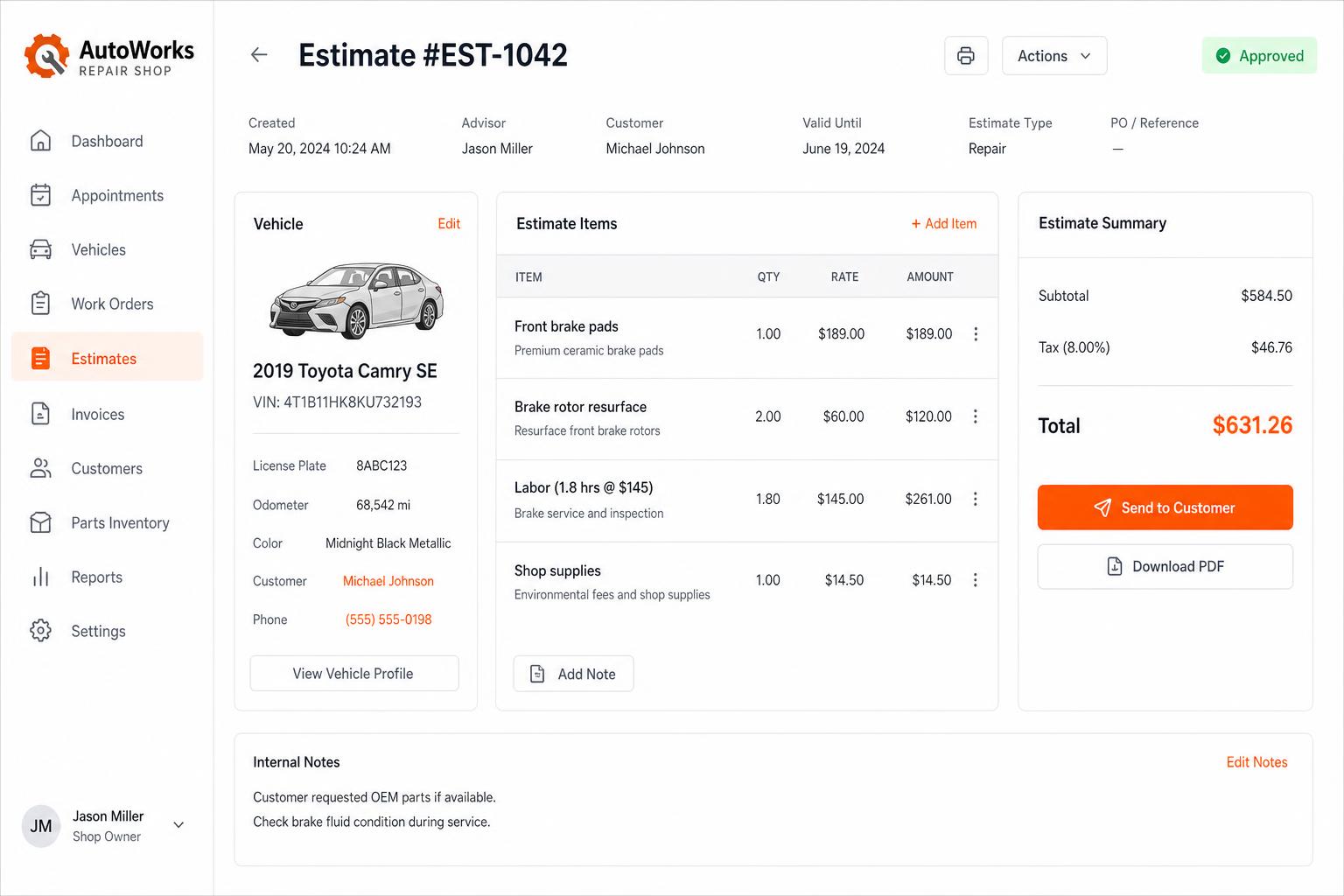
Estimates that close themselves
Build line-itemized estimates with parts, labor, tax, and shop supplies. Send via SMS or email — customers approve in one tap.
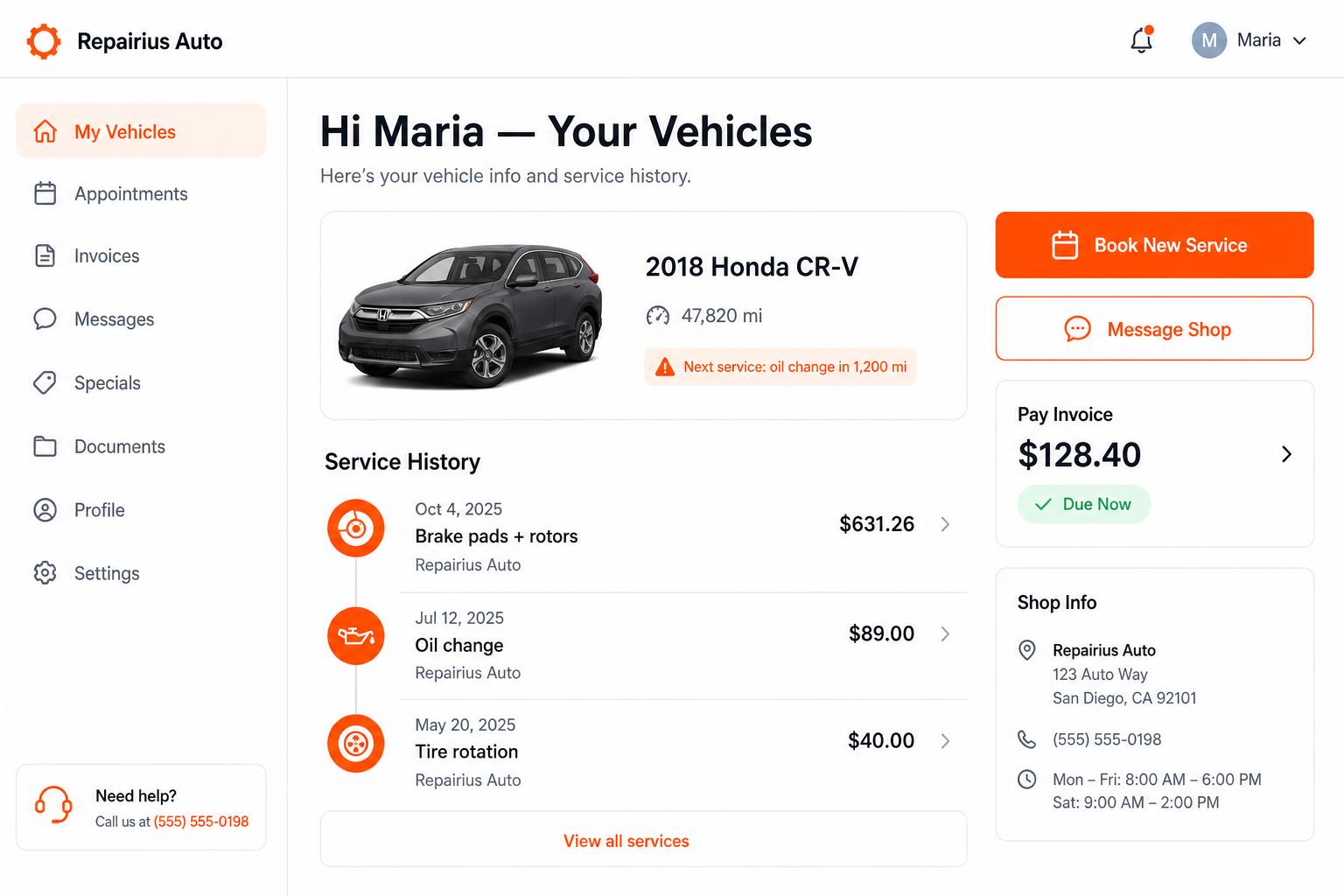
Branded customer portal
Every customer gets their own portal — vehicle history, upcoming service reminders, message the shop, pay invoices. Drives repeat business.
Honest limits
- Repairius does not offer GPS tracking of tow trucks.
- There is no police rotation integration, impound compliance or lien paperwork.
- There is no motor-club settlement integration; motor-club jobs are entered manually.
- A directory listing does not guarantee towing leads or call volume.
- Each plan covers one location. Extra-location purchases are not available today.
Questions buyers ask
Does it work for flatbed and wheel-lift tows?
Yes. Every tow is a job with the vehicle, locations, equipment used, photos and invoice.
Can drivers add photos from the truck?
Yes. It runs in a phone browser, so drivers can add condition photos at pickup and drop-off.
Can I charge hook-up and mileage separately?
Yes. Each invoice can list the hook-up, mileage, wait time and other approved charges as separate lines.
Does it handle impounds or police rotation?
No. Repairius does not manage impound compliance, liens or police rotation lists.
Is this the same as DispatchTool?
No. DispatchTool is a separate product with its own accounts and subscriptions. It is not included with Repairius.